
Pick Who Sings and Who Tunes Out
Put your photos on the Sings and Walks in pins to pick who performs "365" and who plugs in an earbud and ignores the show. Drag one circle onto the other on 365 Elevator AI to trade roles before you press Create.
365 Elevator AI turns two photos into a 14-second 4:3 video of the elevator duo with "365" for TikTok and Reels. One person performs to the camera while the other walks in, plugs in an earbud and tunes out, in 720p or 1080p for $9.90 with no account. If you came for the song, see the 365 Sampagne AI page for Sampagne and "365".
Also called 365 elevator trend · 365 elevator AI trend · 365 Sampagne elevator trend · unexpected duo 365 · elevator 365 edit
Your two photos 0/2
Tap a circle to put a photo there, or drop a photo onto it, and drag one circle onto the other to swap the two photos. Both photos are needed: photo 1 walks in on the left and tunes out with an earbud, photo 2 sings "365" to the camera on the right.
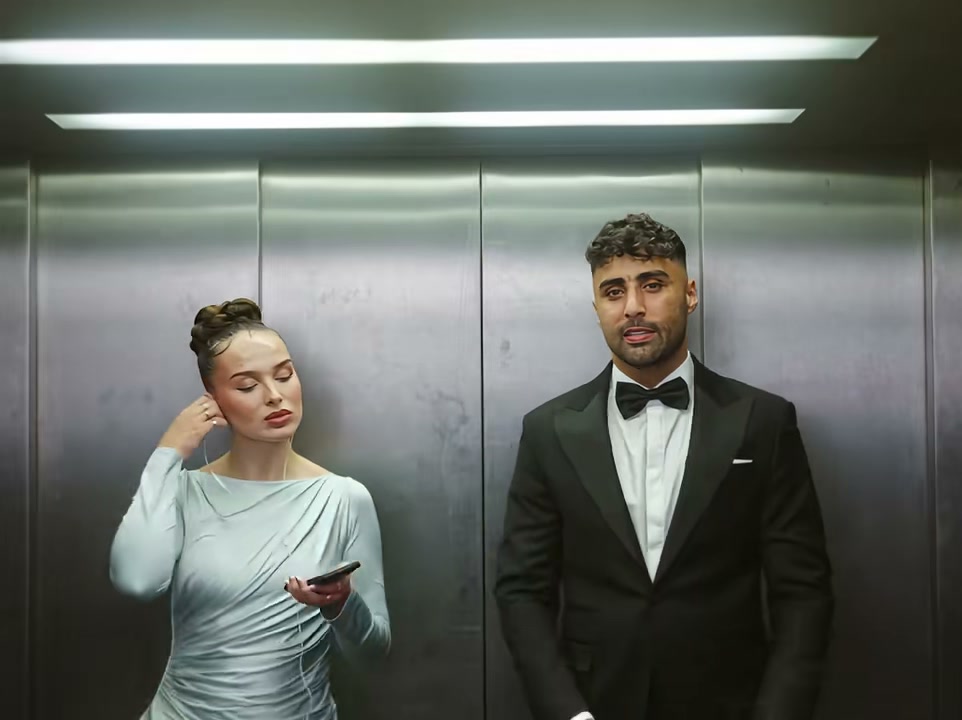
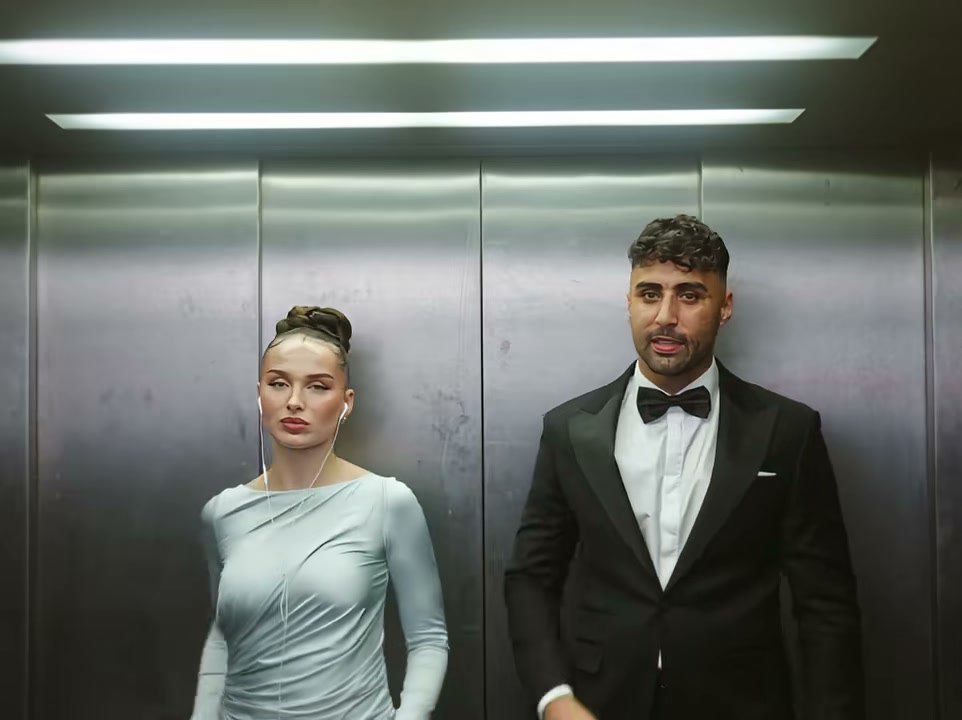
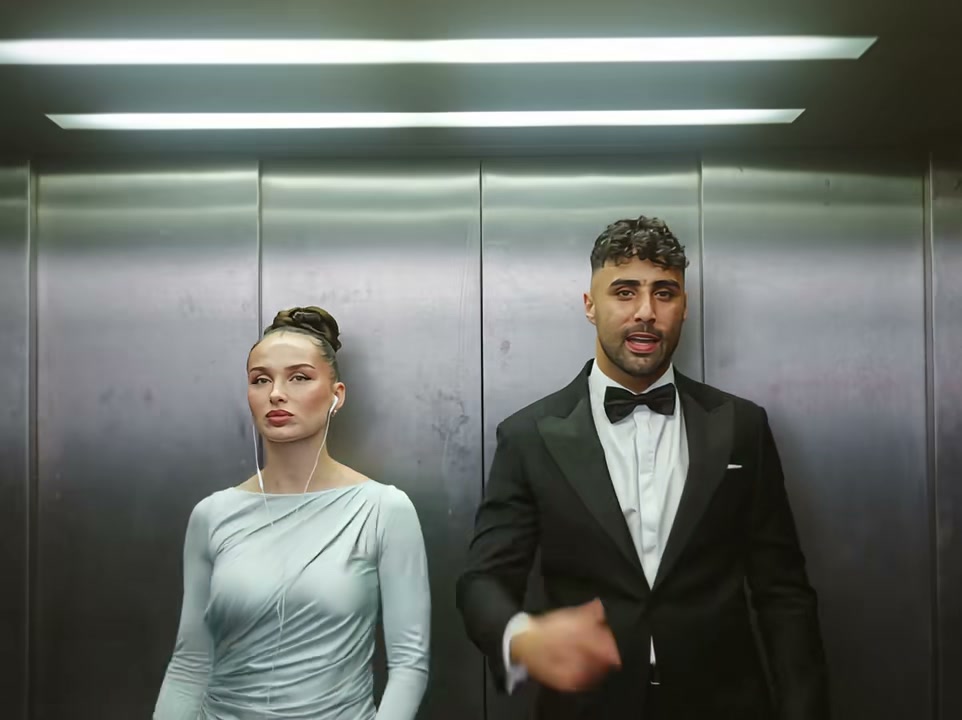
| What You Upload | 2 photos, Walks in and Sings |
|---|---|
| What You Get | A 14-second video with "365" |
| Frame | 4:3 |
| Quality | 720p or 1080p |
| Price | One 720p video for $9.90 |
| Account | Not needed |
| Made For | TikTok and Reels |
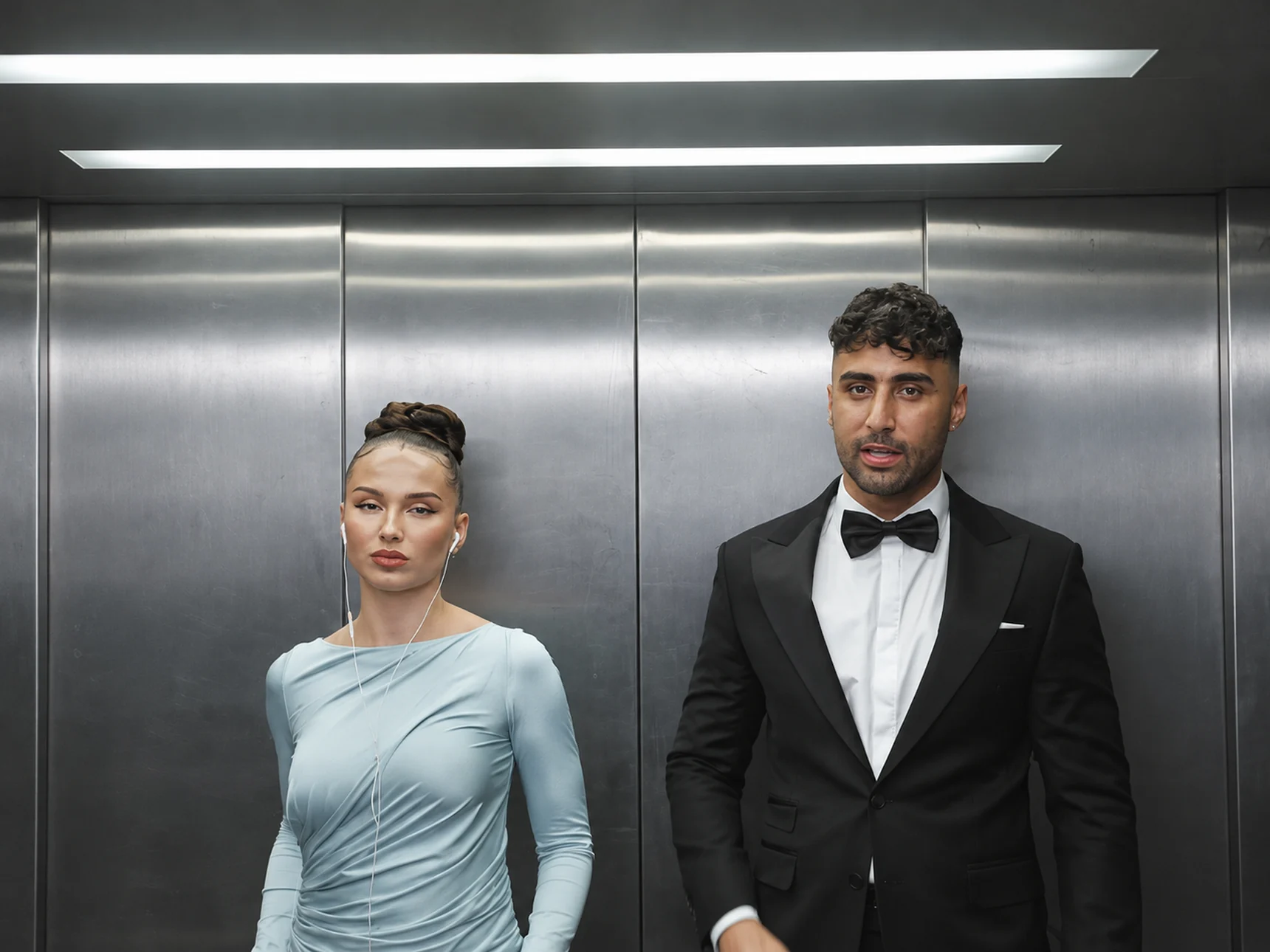
The 365 elevator trend is a viral short-video format where one person in a steel elevator performs "365" by Sampagne straight to the lens while a second person strolls in, puts in a white wired earbud and ignores the entire show. Every clip drops an unexpected pair into that same elevator, and captions ask "wen wollt ihr als nächstes sehen?", which is German for "who do you want to see next?".
German rapper Sampagne released the single "365" on 12 November 2026. The elevator duo edits took off in November 2026 as AI versions of one continuous 14-second take, and by 25 November 2026 the "365" sound appeared on 8,277 TikTok videos.
365 Elevator AI turns two of your photos into that full 14-second clip, placing the Walks in person on the left and the Sings person on the right. You get a 4:3 video built for TikTok and Reels in 720p or 1080p, with no account needed and $9.90 paying for one 720p video.
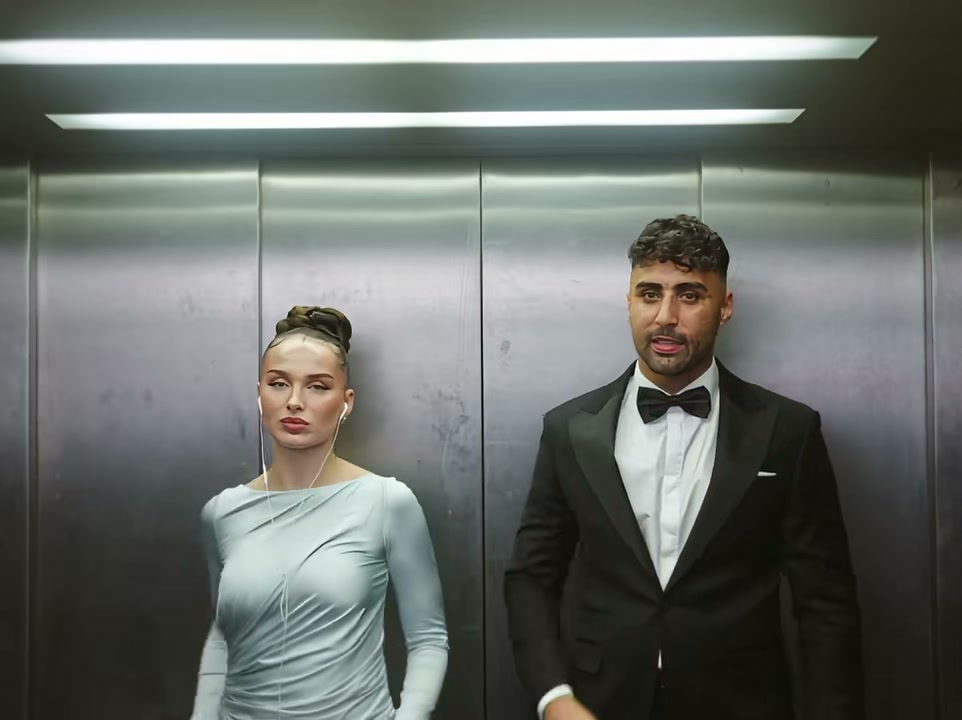
Above is the TikTok post itself, 14 seconds in 4:3, left as it was published: steel doors part on someone already belting "365" at the lens, and a second person strolls in, pops in a white wired earbud, checks the phone and stays switched off until the last frame. 365 Elevator AI rebuilds that exact take around your two photos, song included.
One unbroken 14-second shot in 4:3, the camera never moving, "365" playing underneath. Everything stays as in the post except the two faces, which become yours.
| Part | What you see |
|---|---|
| 0–0.9 s · Doors slide apart | Behind the doors the Sings pin is mid-song already, palm pressed to the chest. |
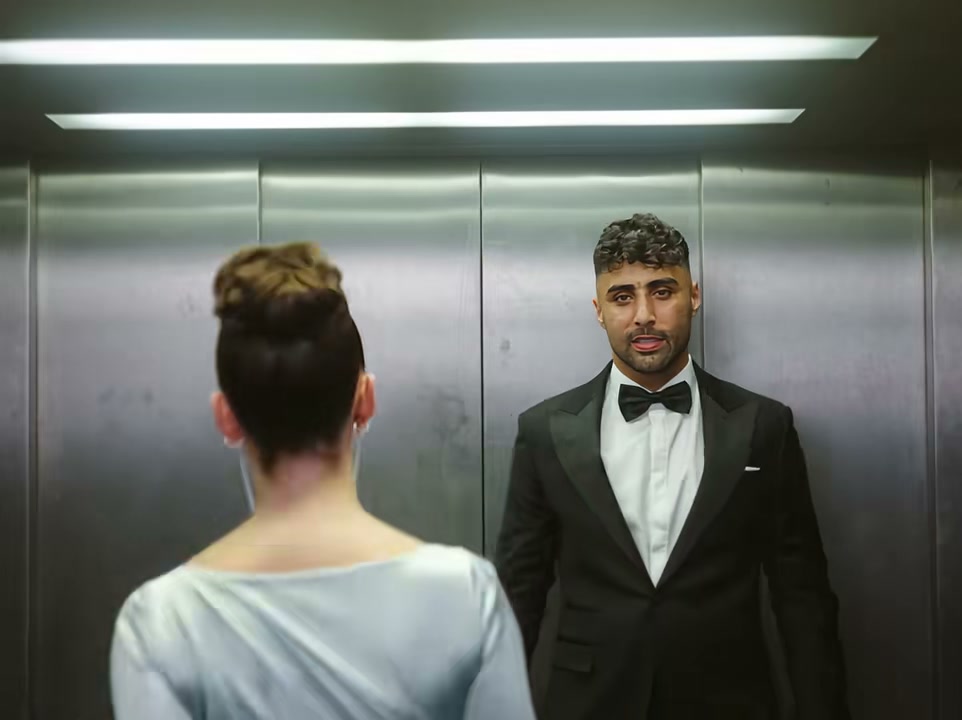
| 0.9–2.8 s · Back first | The Walks in pin enters facing the wall, spins round and tilts the head up, phone held low. |
| 2.8–5.2 s · Earbud goes in | One white wired earbud, one look at the screen; next to them the song carries on, hands moving. |
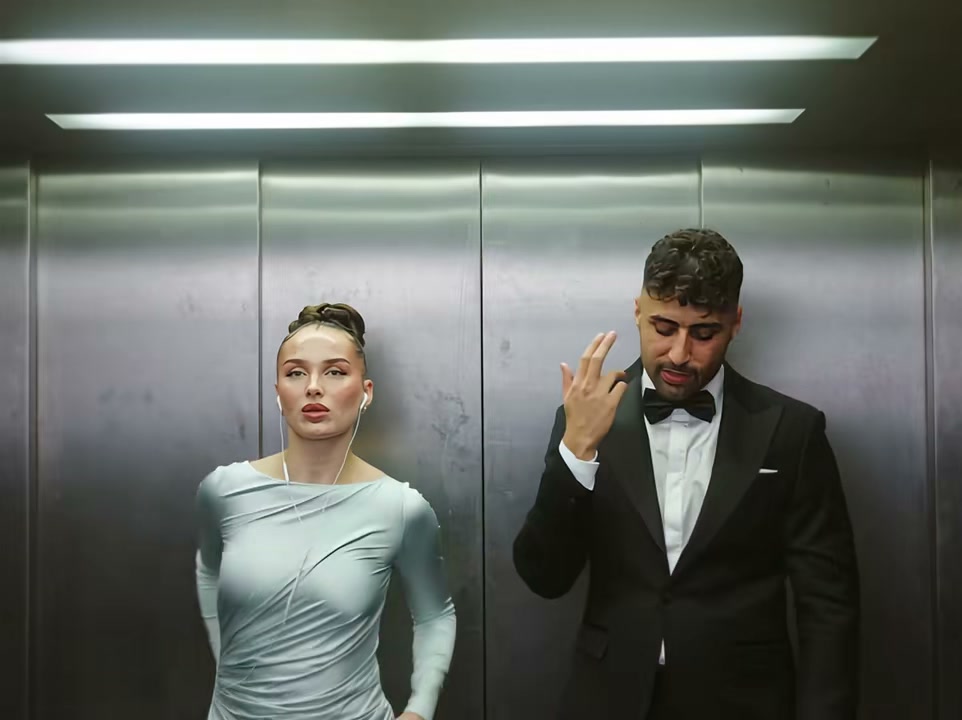
| 5.2–9.3 s · Gone | Phone lowered, eyelids half down, totally elsewhere, while the singer sweeps a hand over face and hair and leans into the lens. |
| 9.3–14 s · Last line | A finger goes up and a hand opens for the closing words; beside them, not one flicker of reaction. |
Sampagne, a German rapper, teased "365" on TikTok in October 2026 and released it on 12 November 2026. The elevator came from the artist's own clip; from 20 November 2026 a fan-edit account turned the setup into AI duos that nobody saw coming.
@sampagnebaby shares the first taste of "365", captioned with the number spelled out in German; 299,800 views as of 23 November 2026.
@sampagnebaby sings "365" in an elevator while a girl on the left listens on earbuds; 934,125 views as of 25 November 2026.
@neoausdermatrix33 puts the first unexpected AI duo into that elevator; 930,200 views as of 23 November 2026.
@neoausdermatrix33 posts the take playing at the top of this page; 1.2 million views as of 23 November 2026.
@neoausdermatrix33 posts the most watched elevator duo so far; 2,006,486 views as of 25 November 2026.
The "365" sound sits under 8,277 TikTok videos.
Put your photos on the Sings and Walks in pins to pick who performs "365" and who plugs in an earbud and ignores the show. Drag one circle onto the other on 365 Elevator AI to trade roles before you press Create.
365 Elevator AI edits the 14-second clip shown at the top of this page and swaps in your pair. The steel elevator, two strip lights, sliding doors, phone, white wired earbud, timing and song "365" stay intact.
Cast any two people 18 or older who have said yes, two cartoon or game characters, or one person and one character. Each face, hairstyle and outfit stays true to your photos across the full 14 seconds on 365 Elevator AI.
Bring two photos of adults 18 or older who said yes, one for the loud singer and one for the quiet friend. Put them on the Sings and Walks in pins to recreate your real-life dynamic in the elevator.
Use two existing phone photos when you live in different cities or countries. Skip the meetup and get a 14-second 4:3 video showing both of you side by side with zero filming.
Upload pictures of two cartoon or game characters from totally different worlds. Watch one perform "365" to the lens while the other plugs in an earbud and tunes out.
Tap or drop photo 1 onto the round Walks in pin on the left, and put photo 2 on the Sings pin on the right. Both circles carry a Required tag because our 365 Elevator AI generator needs both faces to cast the pair. Drag one circle onto the other anytime to make the two photos trade roles.
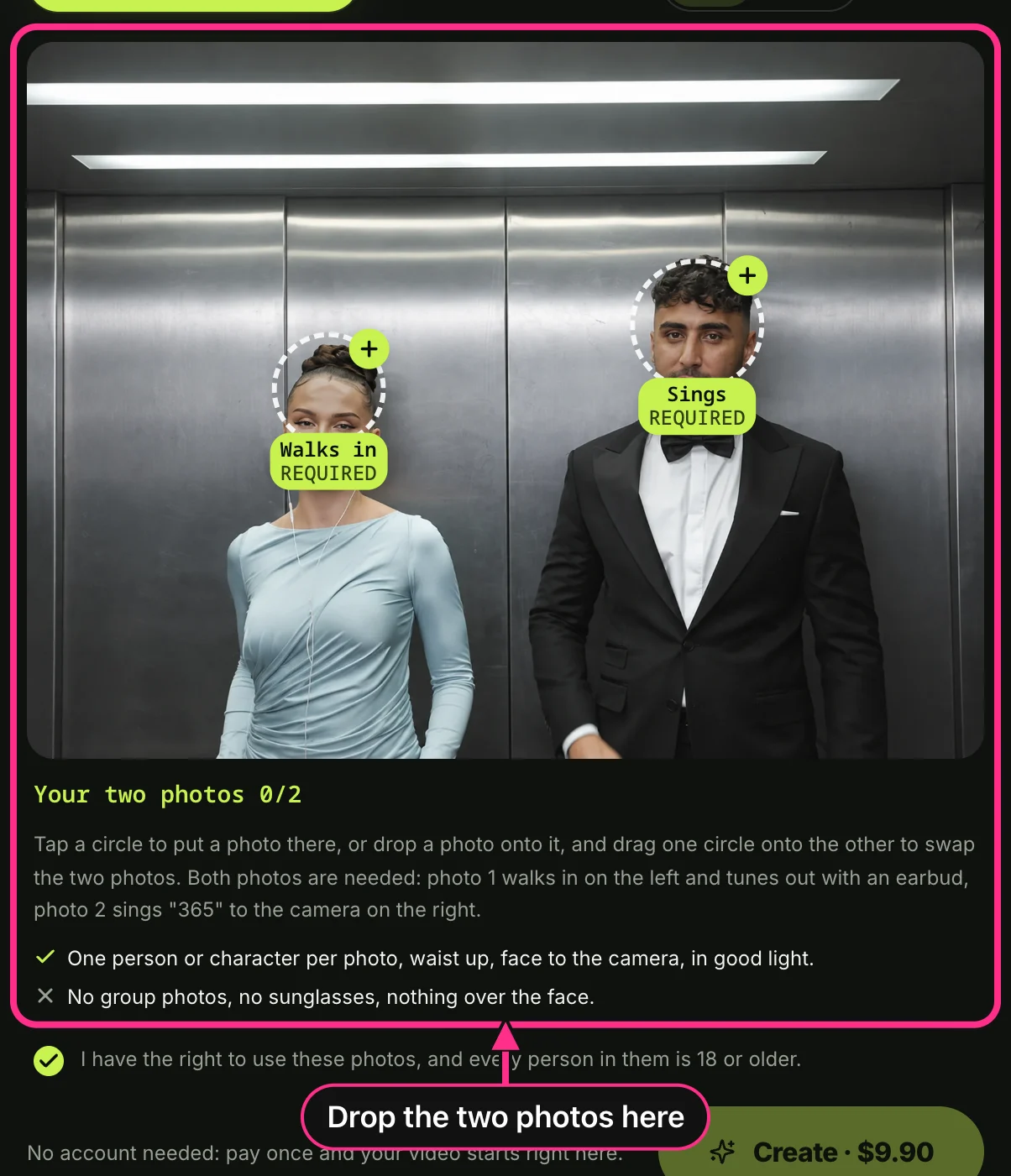
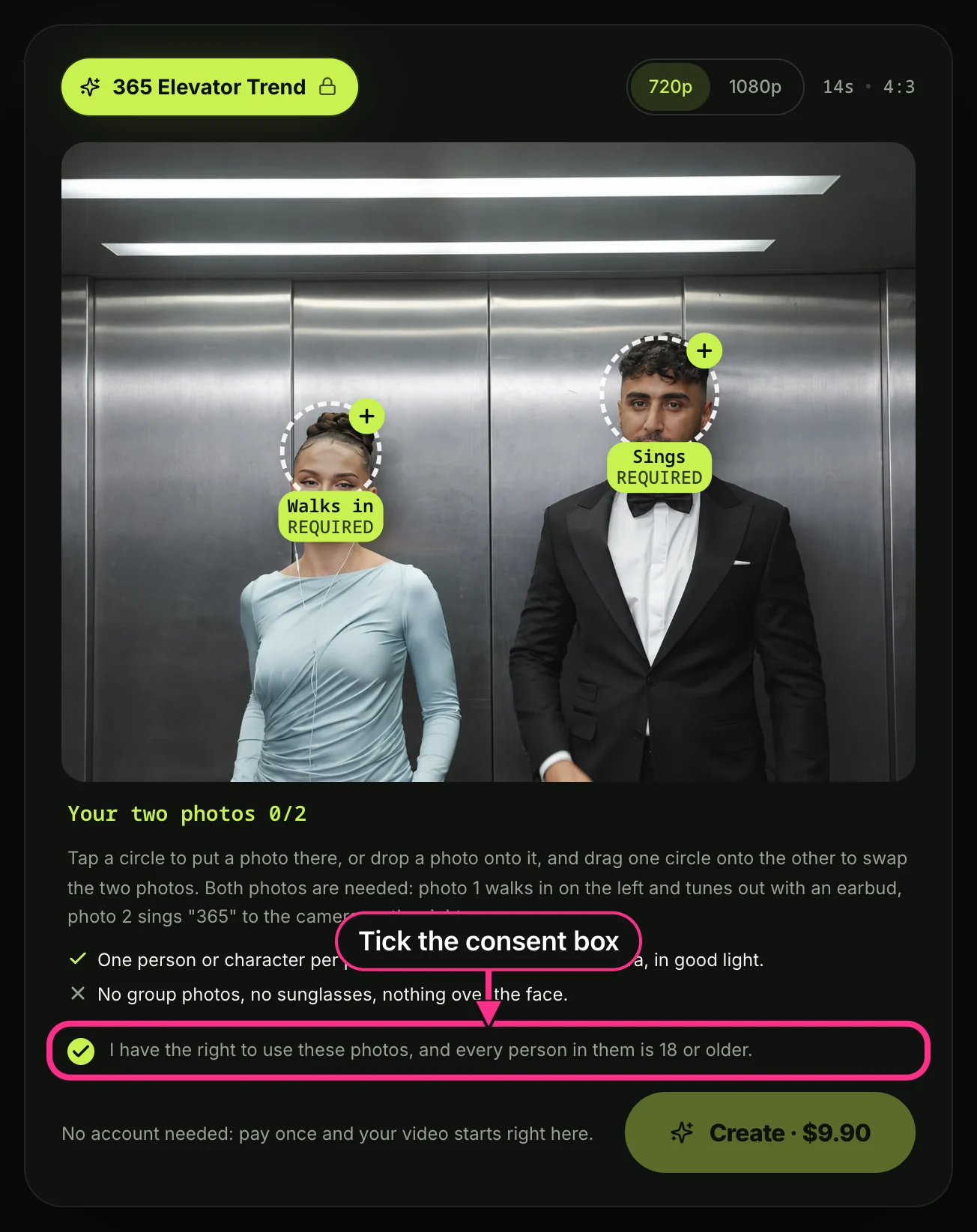
Find the check box right below the photo stage. Tick the line that reads "I have the right to use these photos, and every person in them is 18 or older." Confirming permission unlocks generation for your two photos.
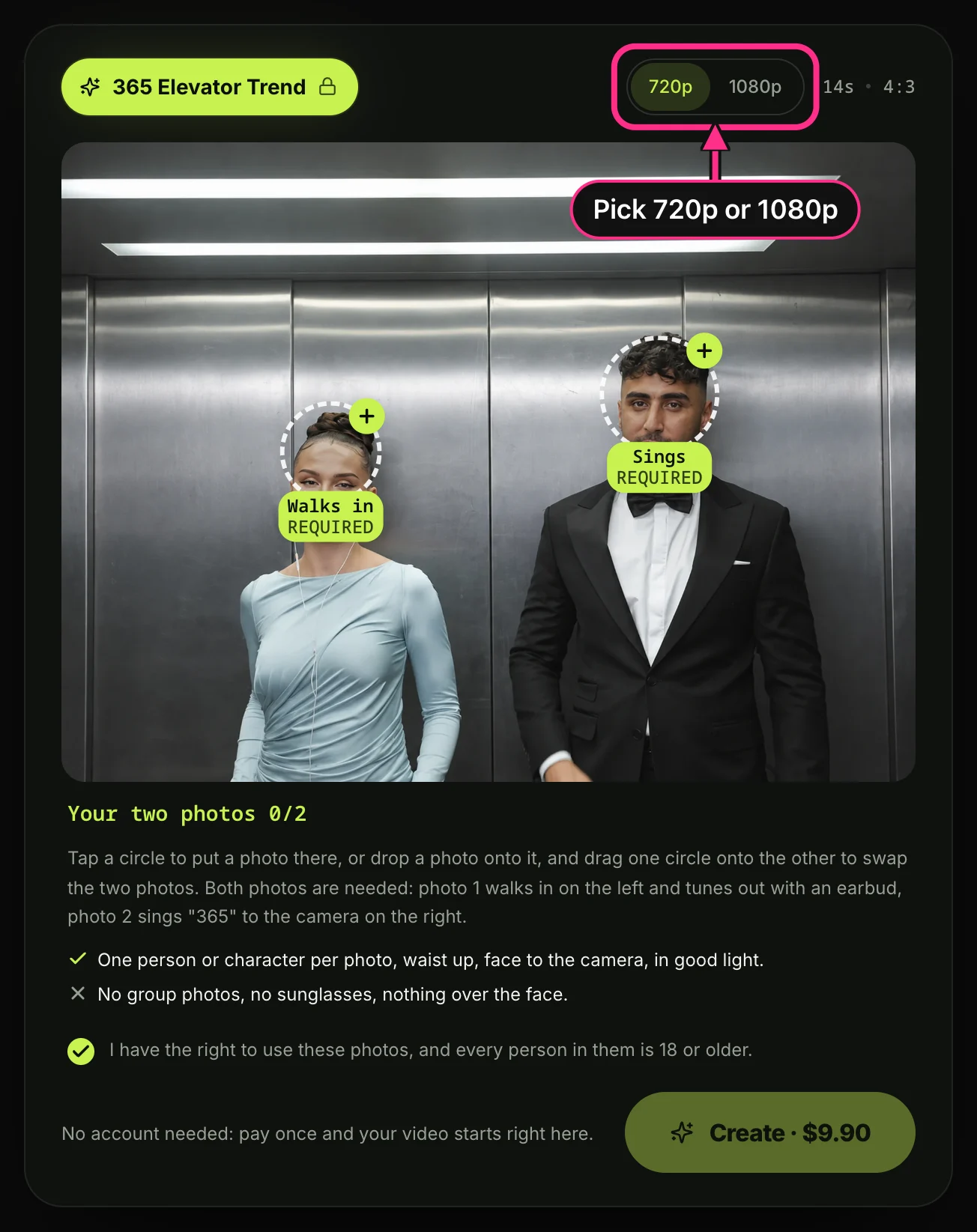
Choose the resolution for your 14-second clip. Our 365 Elevator AI tool starts with 720p selected at 500 credits, or you can switch to 1080p for 1,480 credits.
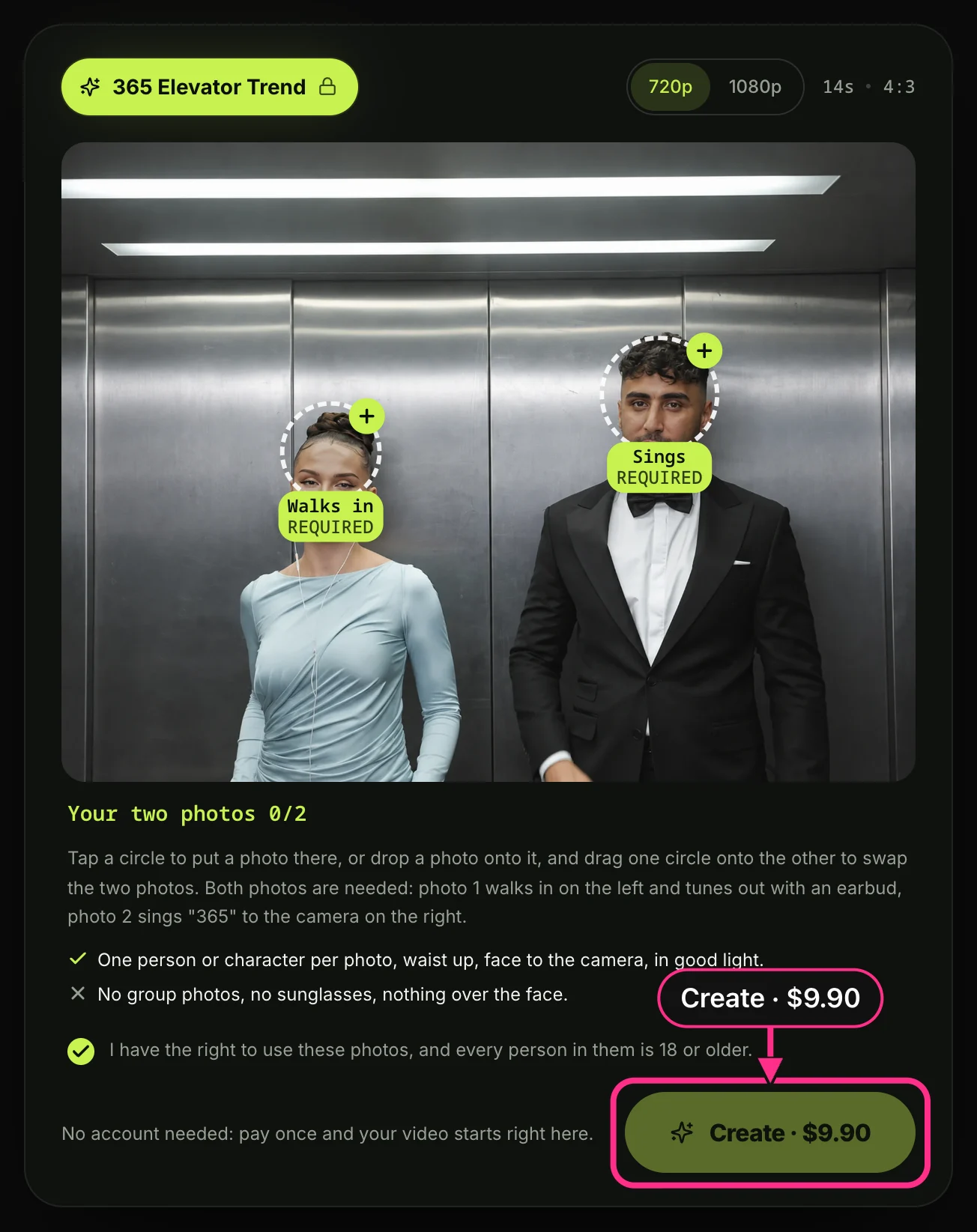
Press "Create · $9.90" and pay once for your credit pack with no account required, then watch the screen update to "Payment received. Your video has started." Your 14-second 4:3 video renders right on this page and saves to My videos, where the Download button gives you the MP4 with "365" ready for TikTok and Reels.
The viral duo videos in the 365 elevator trend are AI edits made from one continuous 14-second shot with no cut.
Each pin on the photo stage holds its own separate photo, so both people stay themselves for all 14 seconds.
4:3 is the exact frame of the trend's own elevator posts, matching the 962 × 720 pixel post shown at the top of this page.
Grab a $9.90 pack of 500 credits to generate your 14-second clip in 720p, or spend 1,480 credits for 1080p. You pay once with no subscription and no account, see the exact cost on the Create button before checkout, keep your credits for 12 months, and get them back automatically if a render fails. Check the pricing page to view every credit pack.
365 Elevator AI is an independent site named after the 365 elevator trend. You drop in two photos and get a 14-second 4:3 video set to "365" by Sampagne. Everything runs right in your web browser on a phone, tablet, or computer with nothing to install and no prompt to write.
Sampagne shared the original elevator clip on 10 November 2026, performing "365" on the right while a girl on the left listened on earbuds, reaching 934,125 views by 25 November 2026. Starting on 20 November 2026, a German fan-edit account began posting AI edits that put unexpected pairs into an elevator just like it, and the top post hit 2 million views by 25 November 2026. Now you can put your own pair inside that exact elevator scene.
Yes. Drag one circle onto the other on the photo stage and your two pictures trade spots right away. Whoever sits on the Sings pin performs "365" straight to the lens, while whoever sits on the Walks in pin keeps their lips closed, plugs in the earbud, and tunes out.
Yes. You can pair two cartoon or game characters together, or put one person aged 18 or older next to a character. Each pin holds one picture of a single person or character, so you can mix and match any duo you want.
No. Two existing photos from your phone are all it takes. The steel elevator, sliding doors, white wired earbud, and every movement come straight from the trend's clip, so you never have to meet up or film a single frame.
Yes. The opening 14 seconds of the "365" sound on TikTok—the exact stretch used across the elevator posts—plays through the entire clip. Check out the 365 Sampagne AI page to read more about the artist and the track.
A $9.90 pack gives you 500 credits, which makes one 14-second video at 720p, while 1080p uses 1,480 credits. You pay once without a subscription, your credits stay good for 12 months, and the Create button displays the exact cost upfront. Visit the pricing page to see every credit pack available.
No. Without an account, the button simply reads "Create · $9.90" so you can check out once and launch your render right on the page. Your checkout email includes a sign-in link that lets you open and download your video from any device.
Your spent credits return to your balance automatically. You can hit Create again right away to start a fresh run.
365 Elevator AI never sells your personal details, and your uploaded pictures and finished clips remain in your account until you remove them. Read our privacy policy for full details on how your data is handled.
You get a 14-second 4:3 video for TikTok and Reels with "365" from two photos, with one 720p video at $9.90 and no account.